Was this sample helpful? Rate it!
Average: 4.8 (36 votes)




Contents
Key Takeaways for an IT Technician Resume
Why This IT Technician Resume Works
How to Write an IT Technician Resume
What to Include in an IT Technician Resume
IT Technician Resume Summary Examples
IT Technician Work Experience Examples
Top IT Technician Skills
Certifications for an IT Technician
IT Technician Salary
Common IT Technician Resume Mistakes
IT Technician Resume FAQs

Summary
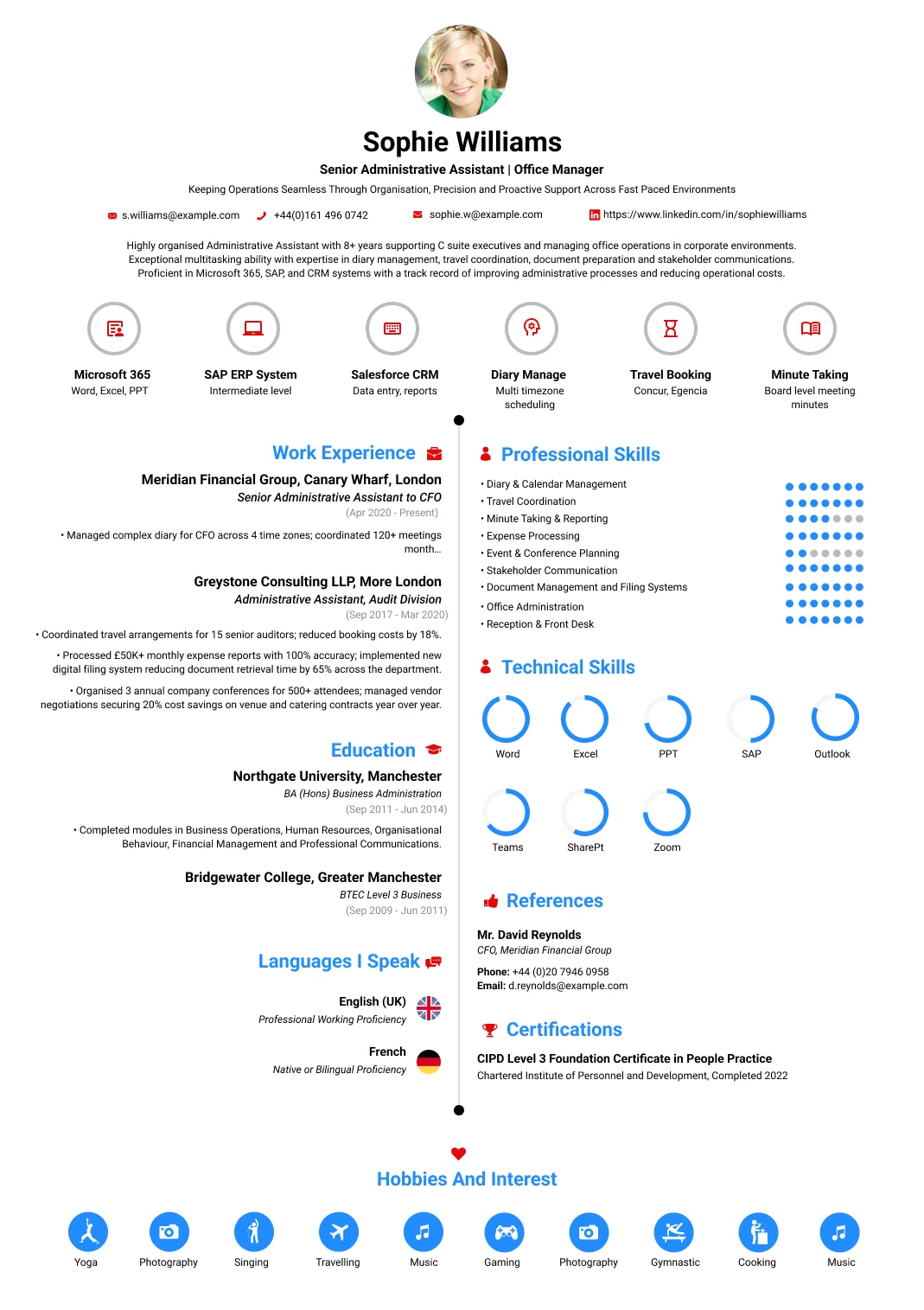
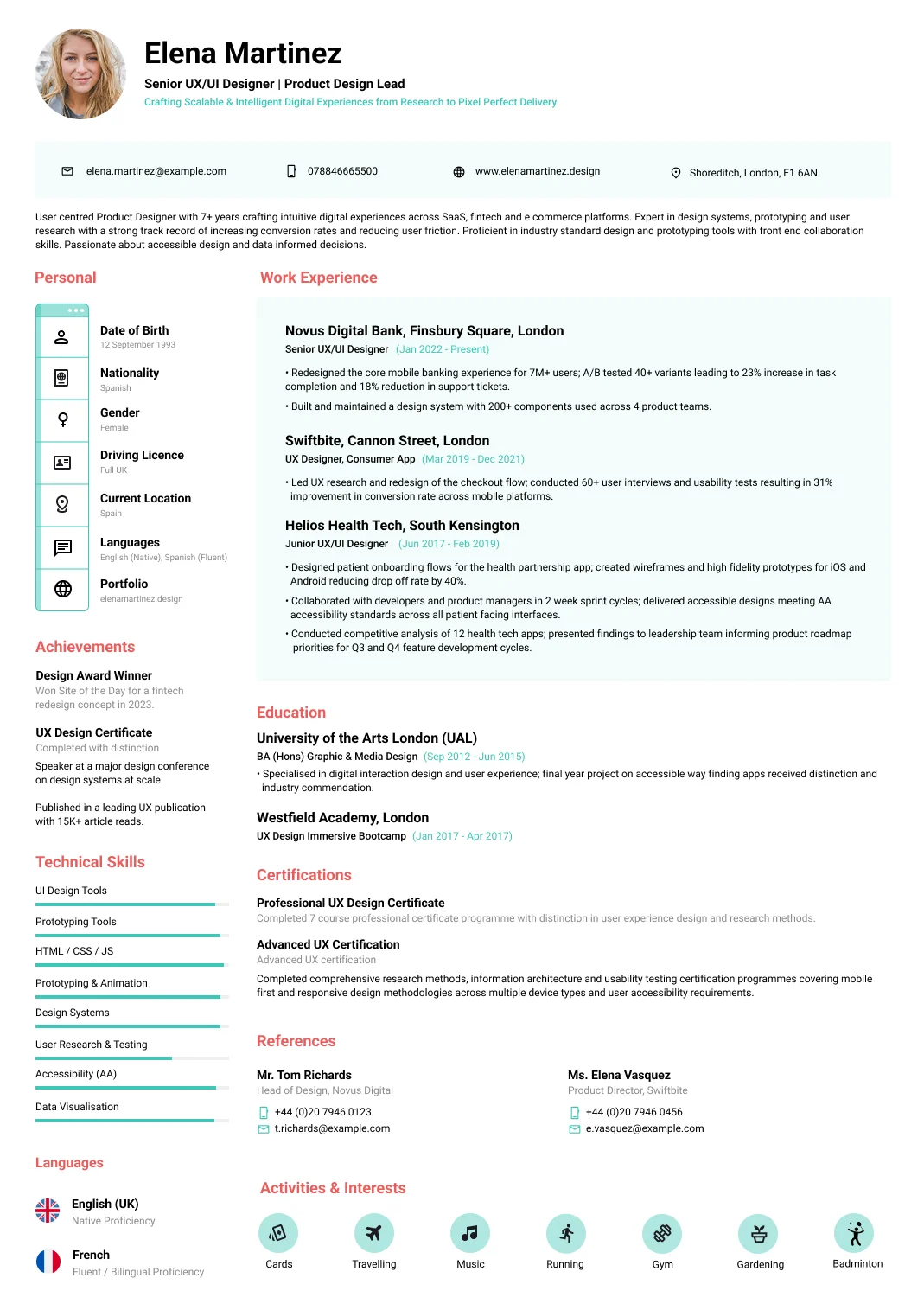
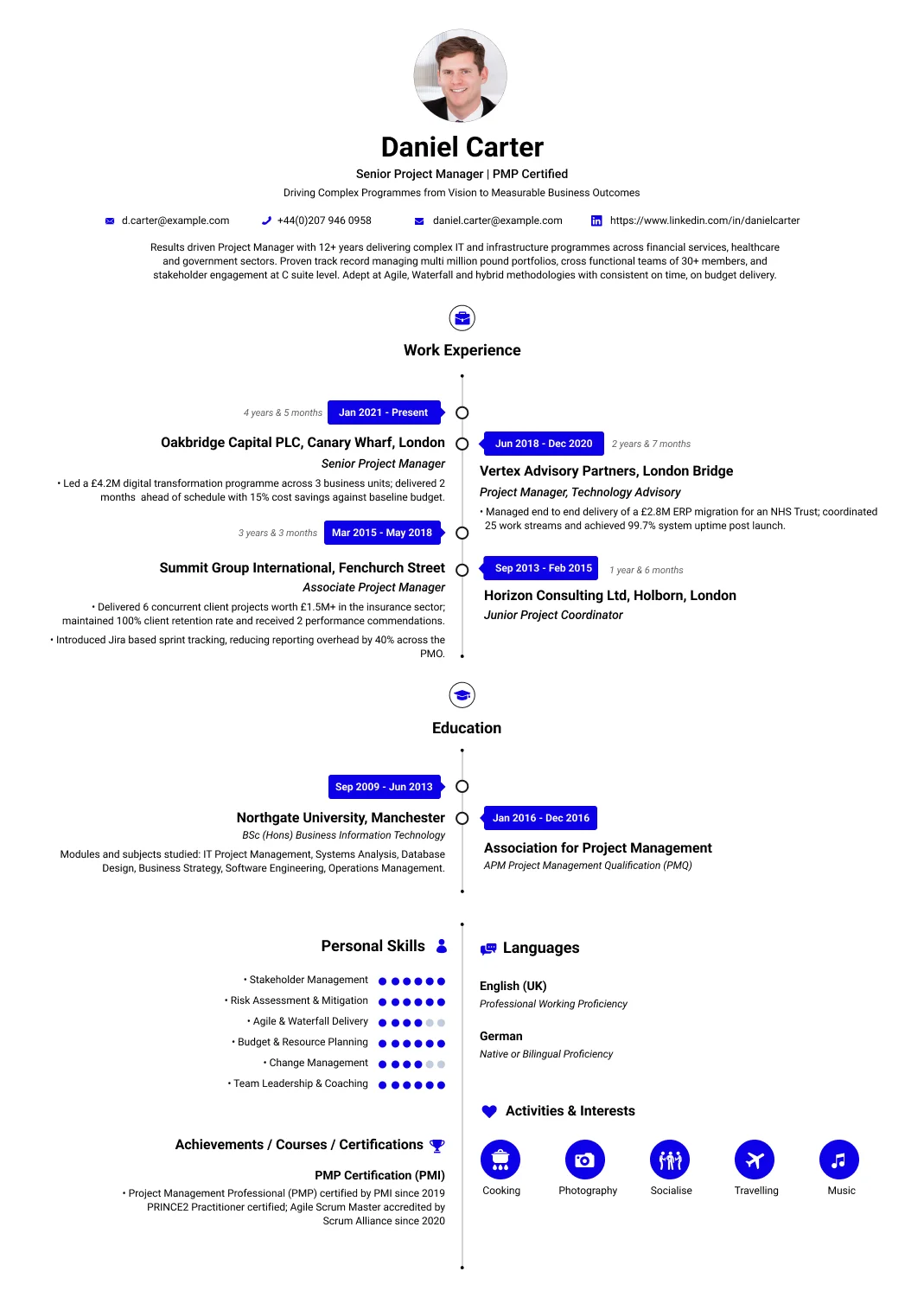
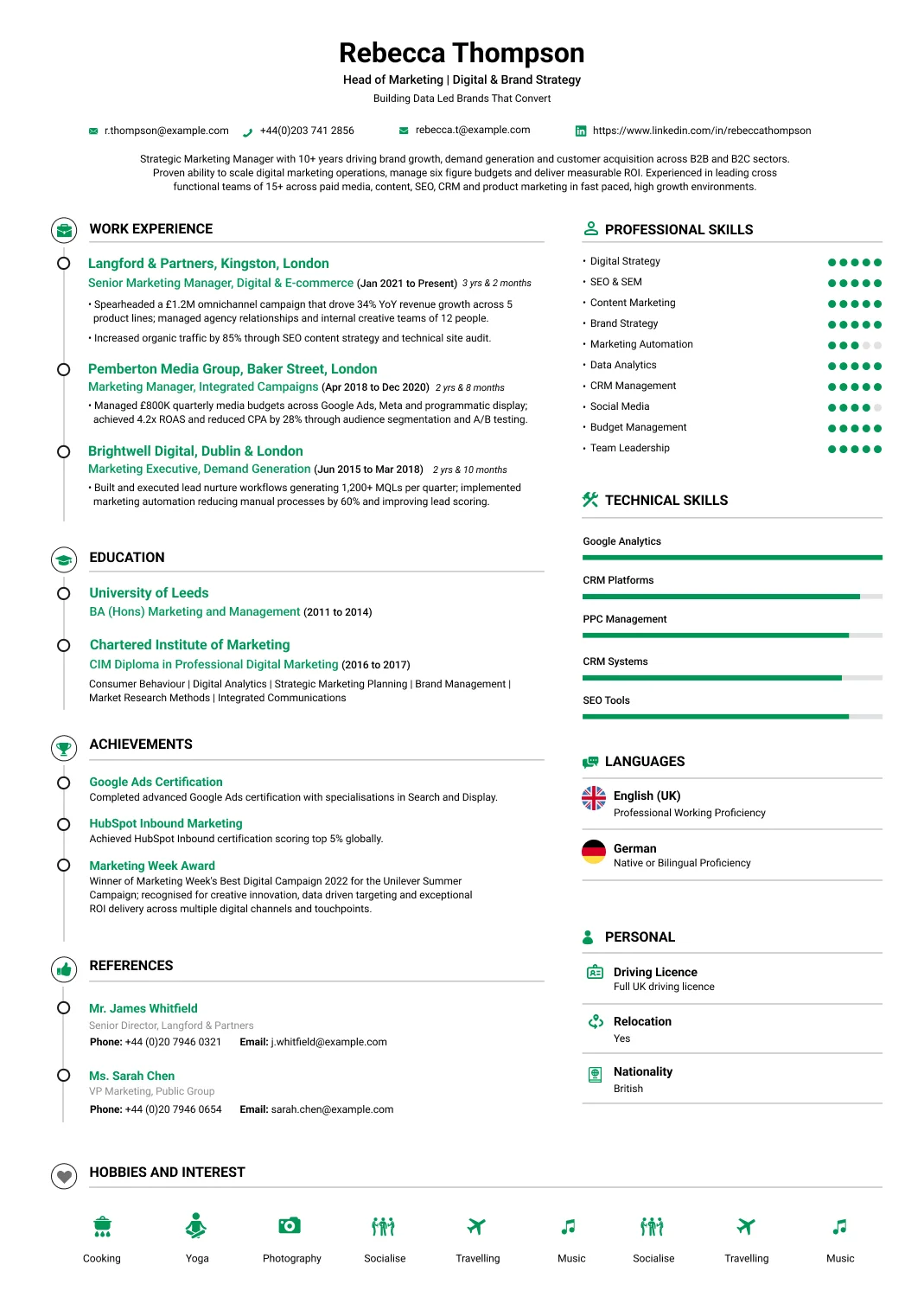
IT technician with six years keeping the IT working for small businesses and a managed-service provider in Brasília. The capable all-rounder small companies depend on — fixing computers and networks, setting up users and systems, sorting whatever breaks, and being the one reliable IT person across a range of client sites. Built a loyal set of small-business clients and cut their recurring problems through better setup. Diagnoses and repairs hardware, software and network issues, sets up devices, users and systems, maintains and secures small networks, supports users, and advises clients on their IT. Practical, versatile and dependable. Looking for an IT-technician or MSP role with an employer that values a hands-on, do-it-all IT person.
Work Experience
IT Technician
Planalto IT Services, Brasília, Brazil
Jan 2019 – Present
- Keep the IT working for small-business clients, the one capable all-rounder they depend on across their sites.
- Built a loyal set of small-business clients and cut their recurring problems through better setup and maintenance.
- Diagnose and repair hardware, software and network issues, fixing whatever breaks across very different client setups.
- Set up devices, users and systems for clients, getting new staff and machines working correctly from day one.
- Maintain and secure small networks, keeping clients' internet, Wi-Fi and shared systems reliable and protected.
- Support users and advise clients on their IT, the trusted technician they call before buying or changing anything.
Junior IT Technician
Brasília Tech Repair, Brasília, Brazil
Jan 2018 – Dec 2018
- Repaired computers and set up devices and networks for customers, learning hands-on IT work on the job.
- Diagnosed faults and handled day-to-day issues, building broad practical technician skills quickly on the job.
- Learned hardware repair, setup and networking on the job over a year in the workshop.
- Gained the certifications and experience that led into a full IT-technician role of my own.
Education
Technical Diploma in Information Technology, Information Technology
Instituto Federal de Brasília
Feb 2015 – Dec 2017
- Technical diploma in information technology covering hardware, networks, systems and support, with workshops. The course built the broad practical foundation a technician needs. It led directly into an IT technician career.
CompTIA A+ & Network+ Certifications, IT Support
CompTIA
Jan 2018 – Aug 2018
- Industry certifications covering hardware, support and networking to recognised standards. They validated broad technician skills. They support confident work across computers, networks and small systems.
Certifications
CompTIA A+ & Network+ Certifications
CompTIA
Aug 2018 – Present
- Industry certifications covering hardware, support and networking to recognised standards. They validated the broad technician skills applied daily and support confident work across computers, networks and small systems.
Small-Business IT Setup
Small-Business IT Setup
Jan 2021 – Aug 2021
- Set up and standardised the IT for a number of small-business clients, rebuilding their devices, networks and backups, which made their systems reliable and cut the recurring problems that had plagued them before.
Highlights
Loyal small-business clients
- Built a loyal set of small-business clients who call him first for anything IT. Small businesses stick with the technician they trust to fix things and give honest advice, so a loyal client base is the clearest proof of reliable work.
Cut recurring problems
- Cut clients' recurring IT problems through better setup, maintenance and backups. Fixing the underlying causes, rather than the same faults over and over, gives small clients reliable IT without a big in-house team.
Languages
- Portuguese (BR) — Native or Bilingual Proficiency
- English (US) — Professional Working Proficiency
- Spanish — Limited Working Proficiency
Technical Skills
- Hardware Repair
- Software Troubleshooting
- Networking & Wi-Fi
- Device & System Setup
- Small Network Maintenance
- Security Basics
- User Support
- Backups
- Client Advice
- Windows & Office
Personal Skills
- Versatility
- Practical Skill
- Reliability
- Problem Solving
- Customer Service
Activities & Interests
- Guitar
- Horror Movies
- Newspaper
- Wash car
- Play Piano
Key Takeaways for an IT Technician Resume
Breadth and ownership are what these vacancies screen on:
- Show the range you covered, since a technician who handles hardware, network and accounts is hired for that breadth.
- State user numbers and sites supported, because supporting forty people is a different job from supporting four hundred.
- Name the systems you owned rather than assisted with, as ownership is the distinction between technician and helper.
- Include the physical work, covering cabling, switches, printers and hardware, which many support resumes leave out.
- Evidence working without escalation, since being the only technical person on site is the defining condition here.
- Give resolution volumes or response expectations, which tell a reader what workload you were carrying alone.
Why This IT Technician Resume Works
This sample is written for a site technician rather than a service desk analyst, and the difference shows.
- The range covered is visible at a glance, spanning hardware, network, accounts and the physical estate.
- User numbers and site count appear, so a reader knows the scale of estate this person kept running.
- Owned systems are separated from systems assisted with, which is the line between a technician and a helper.
- Physical infrastructure work is included, and that is the part most generic support resumes quietly omit.
- Working without escalation is evidenced, since being the only technical person on site defines this role.
- Volumes and response expectations are stated, giving a reader the workload rather than a general claim of busyness.
How to Write an IT Technician Resume
The whole task is conveying breadth without producing an unreadable list.
Group the range into areas
Hardware, network, user accounts and applications as separate groupings rather than one long run of technologies. A reader scanning for a generalist needs to see the areas covered, which a flat list actively obscures.
State users and sites
How many staff you supported, across how many locations, and whether you were the only technical person there. Supporting forty users alone and four hundred with colleagues are genuinely different jobs, and the numbers say which.
Separate owned from assisted
Systems you were responsible for, against systems you supported under somebody else's ownership. Ownership is what distinguishes a technician from an assistant, and reviewers read the difference carefully when hiring for a site.
Include the physical work
Cabling, switch and access point installation, printer maintenance, hardware builds and asset handling. This work is a real part of the job at most sites, and leaving it out makes the resume read as a remote support one.
Evidence independent working
Decisions taken without escalation, and where you drew the line before calling a vendor or a consultant. Being the only technical person at a location is the defining condition, and judgement about that boundary is the skill.
Give volume and expectations
Tickets or requests handled, response expectations you worked to, and any out of hours cover. These figures tell a reader what workload you carried alone, which a general statement about a busy environment never does.
Breadth, user numbers and the systems you owned are what a small IT team screens on. You can build a free IT technician resume and lay out the range of what you supported without it turning into an unreadable list.
What to Include in an IT Technician Resume
Beyond the standard sections, a small IT team screens for these:
Areas covered grouped into hardware, network, accounts and applications rather than one flat technology list.
User numbers, site count and whether you were the only technical person present at the location.
Systems owned stated separately from systems supported under somebody else's responsibility.
Physical infrastructure work covering cabling, switches, access points, printers and hardware builds.
Ticket or request volumes, response expectations worked to, and any out of hours cover provided.
Vendor and supplier handling, including who you escalated to and what you resolved before doing so.
Extra tips
Write plainly if you were the sole technical person on site, and how many users that covered.
It reframes the whole resume, because everything listed was handled without anybody to escalate to.
IT Technician Resume Summary Examples
Two summaries at different stages, both leading with breadth and ownership:
Entry-level resume summary example
IT technician supporting around sixty staff at a single site, covering laptop and desktop builds, user account administration, printer and peripheral maintenance and first line network troubleshooting. Handles roughly twenty requests a week alongside scheduled maintenance, and resolves the large majority without escalation since there is nobody else technical on site during the day. Maintains the asset register covering hardware, warranty status and licensing, and manages the switch cupboard including patching and access point placement. Verifies that backup routines completed rather than assuming a clean report meant a clean run. Holds CompTIA A plus. Seeking a position with a larger estate and more network responsibility.
Senior-level resume summary example
IT technician with seven years supporting multi site organisations, currently responsible for around three hundred users across four locations with one junior colleague. Owns the client estate, user account administration and the local network including switches, access points and structured cabling, and manages hardware procurement and lifecycle within an agreed budget. Handles vendor escalation for the line of business systems, holding suppliers to their response commitments, and covers an out of hours rota for critical faults. Planned and delivered two office relocations including cabling and connectivity. Holds CompTIA A plus and Network plus. Seeking an infrastructure or systems administration position.
IT Technician Work Experience Examples
Three sets covering the role, since client estate, infrastructure and site ownership separate.
Client estate and user support
- Owned the client estate across several hundred devices, covering builds, imaging, software deployment and lifecycle replacement, so that hardware was refreshed on a schedule rather than when it finally failed.
- Administered user accounts, group membership and access, joining and leaving processes included, which is where most organisations quietly accumulate accounts that should have been disabled months ago.
- Resolved the large majority of requests without escalation, since the site had no other technical staff present and waiting on a third party for routine problems would have stopped people working.
- Supported the line of business applications the organisation ran on, learning them well enough to distinguish a genuine fault from a user needing guidance, which saved considerable vendor support time.
- Maintained an accurate asset register covering hardware, warranty status and software licensing, because an estate nobody has a current list of cannot be budgeted for or secured properly.
Network, infrastructure and physical estate
- Managed the local network including switches, access points, patching and structured cabling, which is hands on physical work that support resumes frequently leave out entirely despite it filling real hours.
- Diagnosed connectivity problems across the layers, distinguishing a cabling fault from a switch configuration issue from a provider problem before involving anybody outside the organisation.
- Installed and maintained printers, scanners and site peripherals across multiple floors, including the driver and queue problems that generate a steady stream of requests in every organisation.
- Maintained backup and update routines on the systems within scope, verifying that they completed rather than assuming a scheduled task that reported no error had actually done what it was supposed to.
- Planned and carried out office moves and new site setups, covering cabling, equipment and connectivity so that staff could work from the first morning rather than several days afterward.
Ownership, vendors and process
- Acted as the sole technical presence on site, deciding what to resolve directly and what warranted a vendor call, which is a judgement that saves or wastes a great deal of money over a year.
- Managed vendor and supplier relationships for hardware, connectivity and line of business systems, holding them to response commitments rather than accepting whatever timescale was offered first.
- Documented configuration, credentials handling and recurring fixes so that a colleague or a successor could pick the site up, since undocumented knowledge in one person is an organisational risk.
- Specified and sourced hardware within an agreed budget, balancing what staff genuinely needed against what would still be serviceable in three years rather than buying to the lowest price available.
- Covered an out of hours rota for critical faults, working to agreed response expectations so that the organisation knew what would happen if something failed outside working hours.
Top IT Technician Skills
What small IT teams screen for, weighted toward breadth:
Hard skills
- Windows Desktop Support
- macOS Support
- Hardware Diagnosis & Repair
- Device Imaging & Deployment
- Active Directory & User Accounts
- Microsoft 365 Administration
- Network Troubleshooting
- Switches & Access Points
- Structured Cabling & Patching
- Printer & Peripheral Support
- Backup Verification
- Endpoint Security & Patching
- Asset & Licence Management
- Ticketing Systems
- Remote Support Tools
- Hardware Procurement
- Office Moves & Site Setup
- Vendor Management
Soft skills:
- Working Independently
- Prioritising Alone
- Explaining Without Jargon
- Documentation
Certifications for an IT Technician
Vendor neutral credentials carry the most weight at this level:
-
CompTIA A+
— CompTIA The standard entry credential for hardware, operating systems and troubleshooting. It is named in a large share of technician vacancies and is the single most useful certification to hold early in this career.
-
CompTIA Network+
— CompTIA The natural follow on, and genuinely relevant since site technicians own the local network in practice. It evidences that you understand what you are patching rather than only where the cable goes.
-
Microsoft 365 Certified: Modern Desktop Administrator
— Microsoft Relevant where the estate runs on Microsoft endpoint management, which describes most organisations. It covers deployment, policy and device management beyond what general troubleshooting credentials reach.
-
CompTIA Security+
— CompTIA Increasingly expected even in generalist roles, since the site technician is usually the person applying patches and handling access. It broadens the positions you can move into afterward considerably.
IT Technician Salary
Breadth, site count and network ownership drive the range here:
USD 45,000 – USD 68,000 · IT technician · US
The O*NET median for computer user support specialists is around $61,860. Sole technician roles with network ownership sit toward the upper part of that range.
USD 65,000 – USD 92,000 · Senior technician or systems administrator · US
Multi site responsibility, server and network ownership and supervision of junior staff all move pay beyond general user support rates.
Common IT Technician Resume Mistakes
These cost applications with employers hiring a site generalist:
- Writing a flat technology list, which obscures the breadth that makes a generalist worth hiring in the first place.
- Omitting user and site numbers, when supporting forty people alone and four hundred are different jobs entirely.
- Blurring owned systems with assisted ones, since ownership is the line between a technician and a helper.
- Leaving out physical infrastructure work, which makes the resume read as remote support rather than site based.
- Giving no volumes, because a general claim about a busy environment tells a reader nothing about your workload.
- Hiding independent working, when being the only technical person on site is the whole condition of the role.
IT Technician Resume FAQs
The questions technicians most often search when applying, answered directly:
The breadth covered and the scale supported. A reader hiring a site generalist wants to know across how many areas you worked and how many users depended on you, ideally within the first few lines.
A desktop support analyst usually works a queue within a larger team with escalation available. A technician is often the whole IT function at a site, covering network and hardware as well as users.
Yes. It is a real part of the job at most sites, and omitting it makes your resume read as remote support. Employers hiring for a location specifically want somebody who will go into the switch cupboard.
CompTIA A plus is the standard starting point and is named in a large share of vacancies. Network plus is the most useful follow on, since site technicians own the local network in practice.
Say you were the only technical person on site, give the share of requests you resolved directly, and describe where you drew the line before calling a vendor. That boundary judgement is the actual skill.
Commonly, yes. Technicians who own local network and server tasks move into systems administration regularly, so name that work explicitly rather than filing it under general support duties.
Get Started With Our
Free Resume Creator today!
Free sign-up. No credit card required.