Was this sample helpful? Rate it!
Average: 4.8 (32 votes)




Contents
Key Takeaways for a Windows System Administrator Resume
Why This Windows System Administrator Resume Works
How to Write a Windows System Administrator Resume
What to Include in a Windows System Administrator Resume
Windows System Administrator Resume Summary Examples
Windows System Administrator Work Experience Examples
Top Windows System Administrator Skills
Certifications for a Windows System Administrator
Windows System Administrator Salary
Common Windows System Administrator Resume Mistakes
Windows System Administrator Resume FAQs

Summary
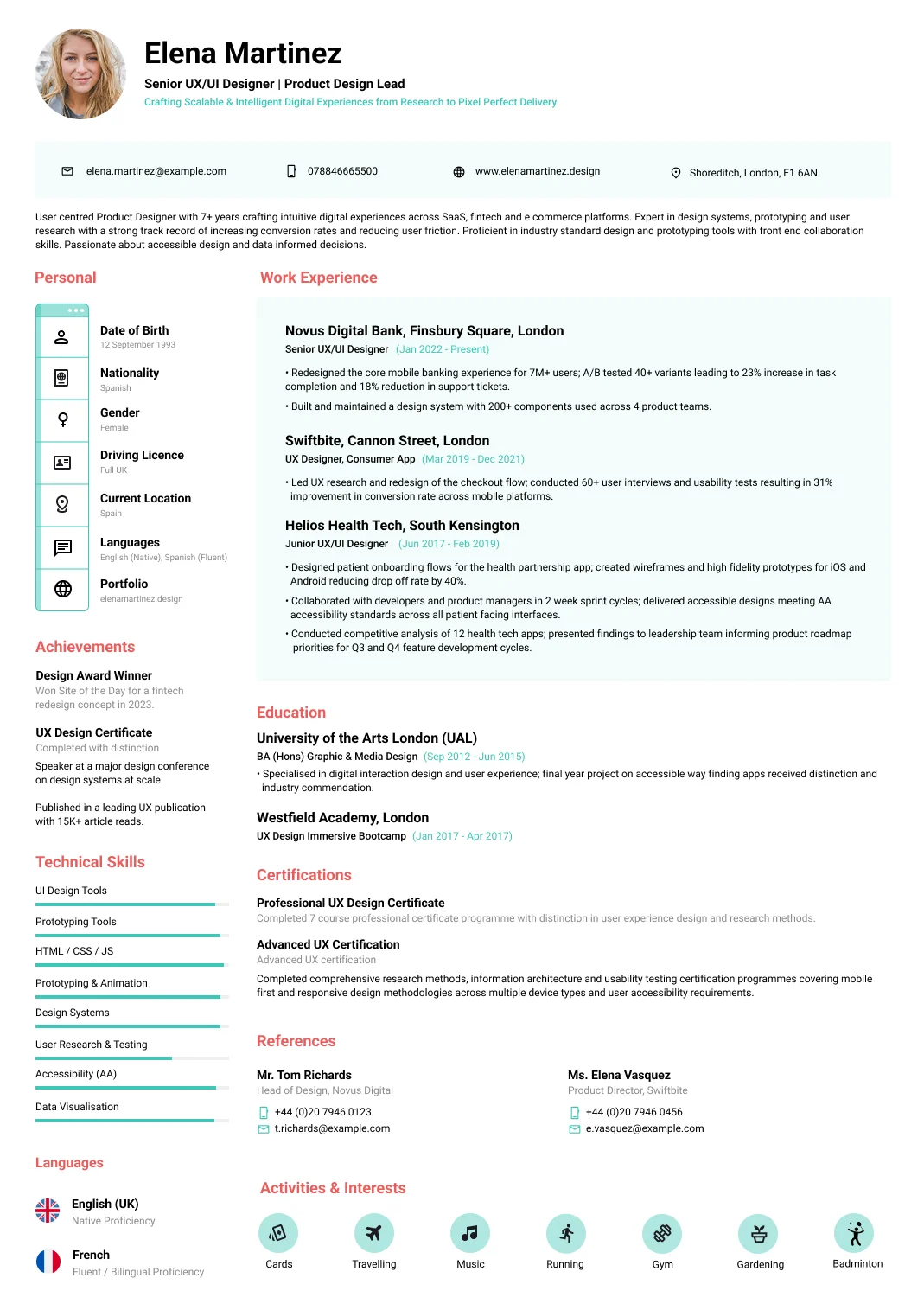
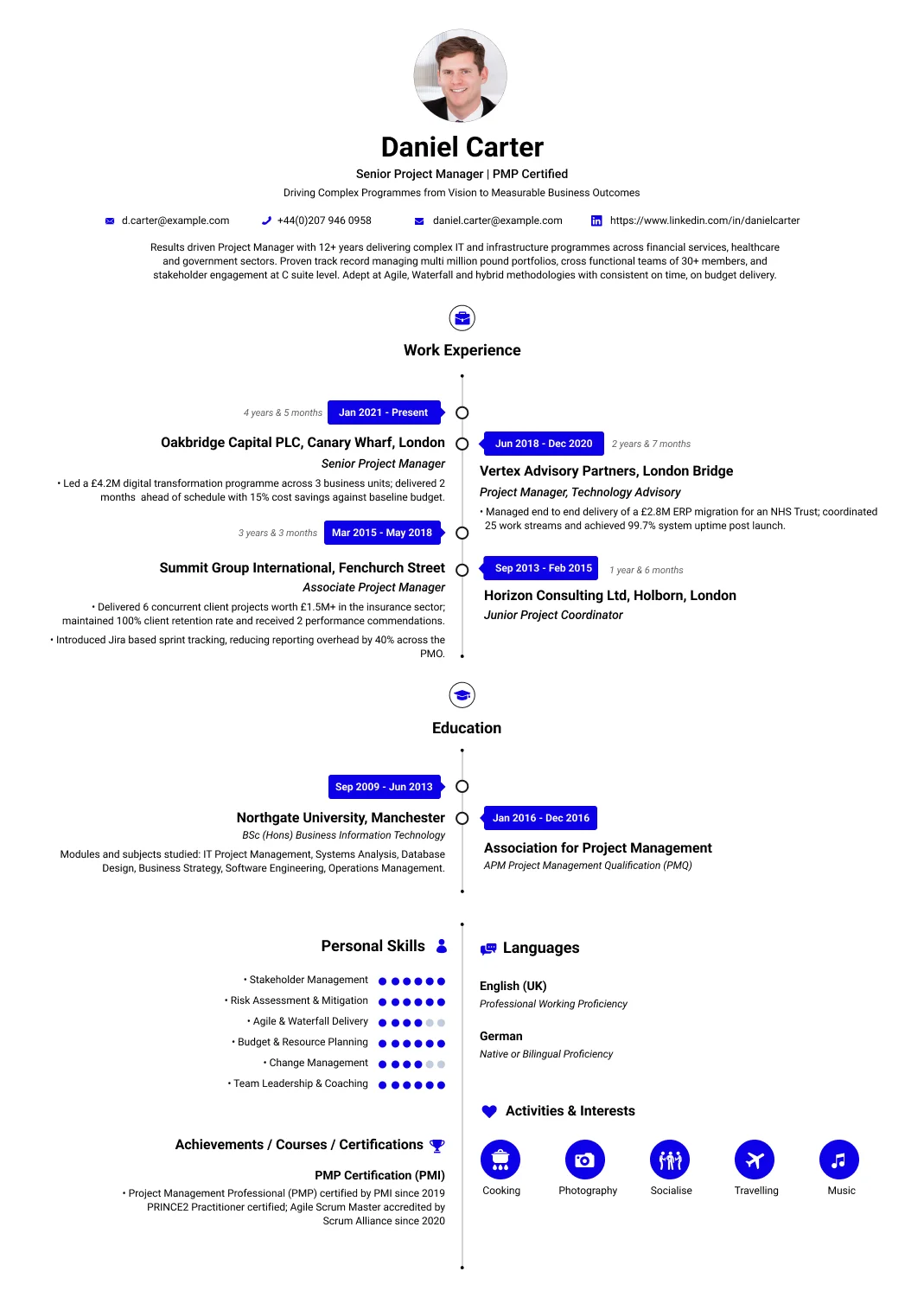
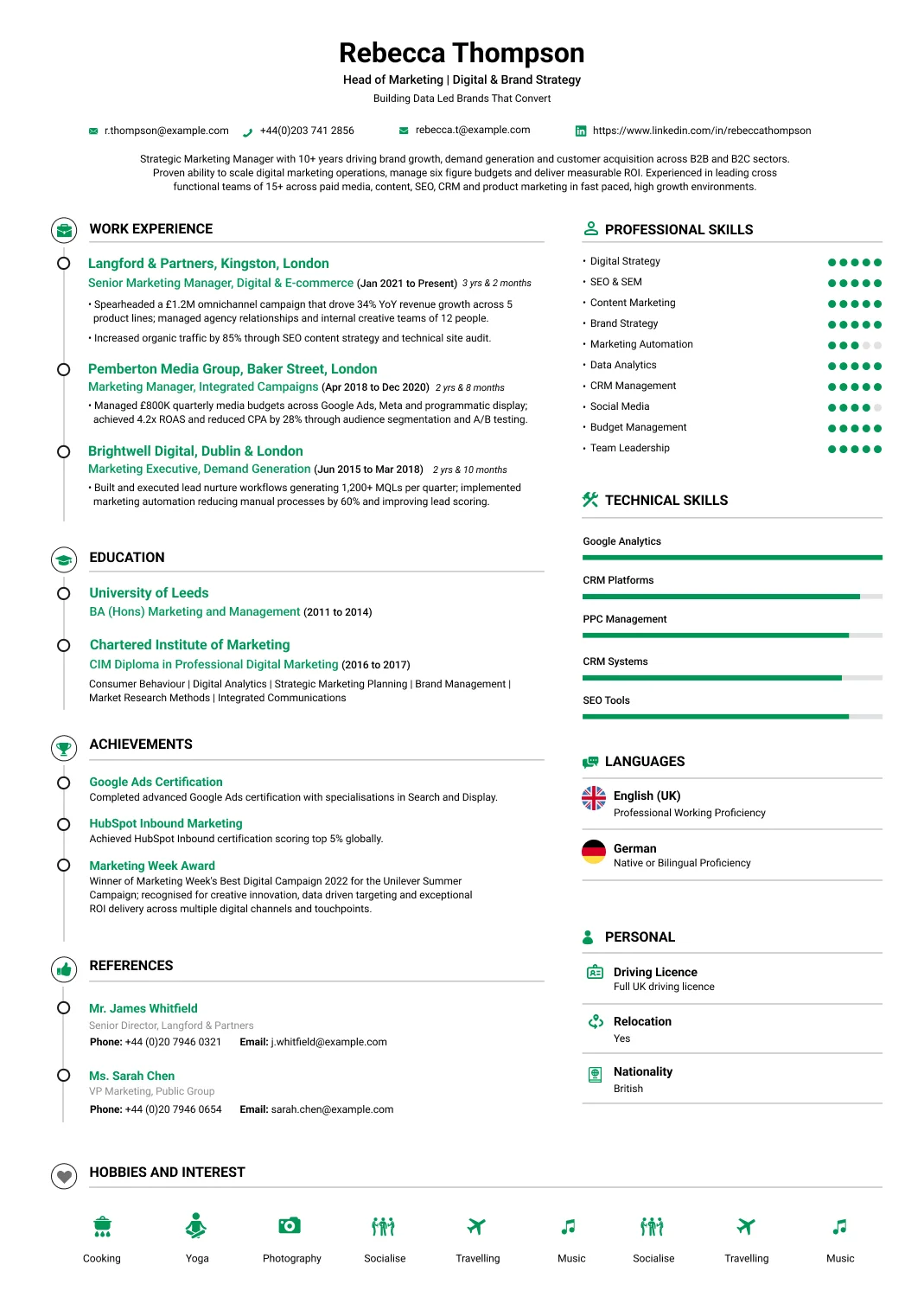
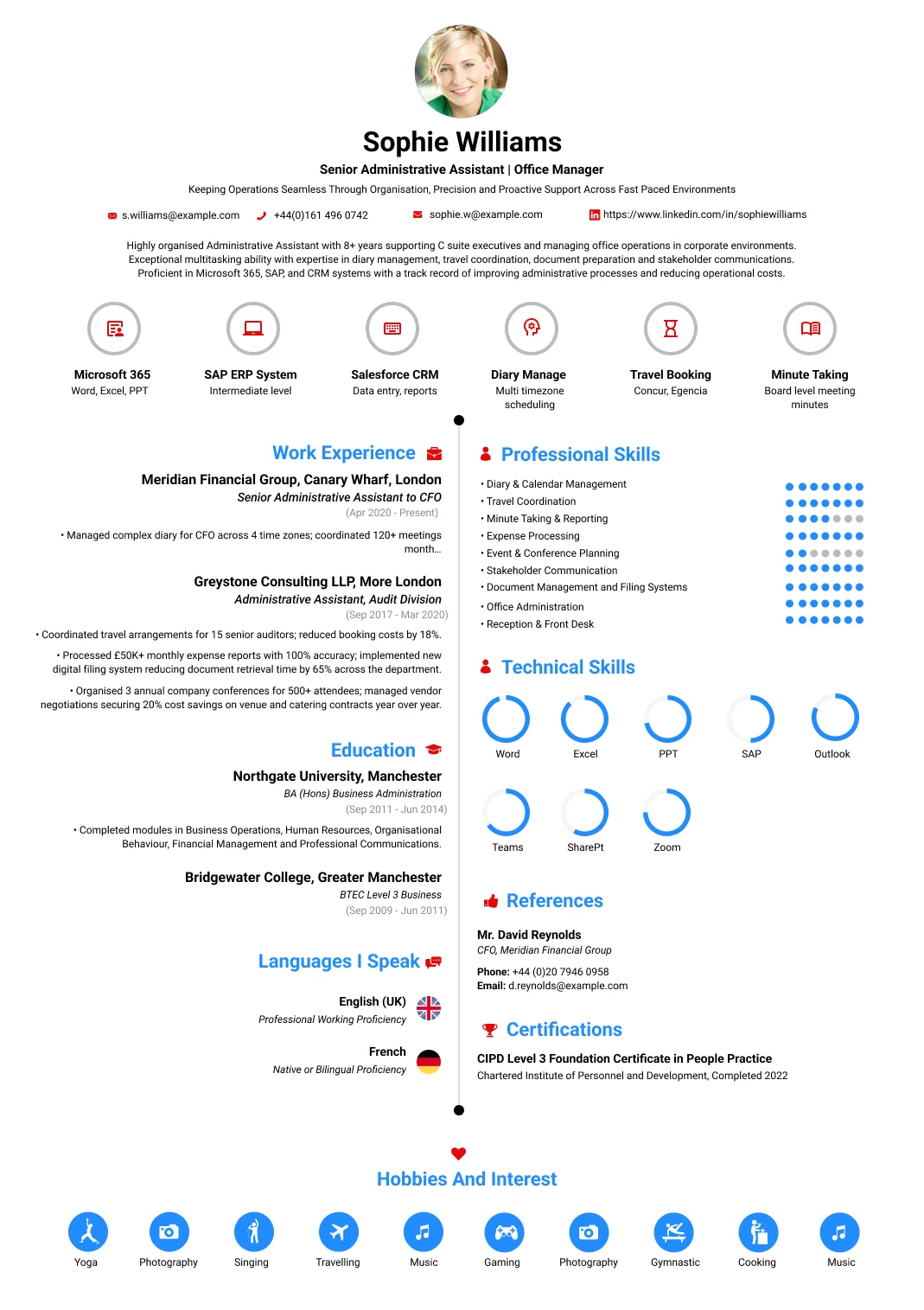
Windows system administrator with ten years managing Windows server and desktop environments for a financial-services firm in Toronto. Keeps the estate running and secure — administering Active Directory, servers and Windows infrastructure, patching and hardening systems, automating with PowerShell, and being the person who keeps it all up and fixes it fast when it is not. Cut patching and provisioning time through automation and led a server migration with no business disruption. Administers AD, servers and infrastructure, patches and secures systems, automates with PowerShell, and supports users. Methodical, security-minded and reliable. Looking for a Windows-administration role with an organisation that needs its Windows estate run reliably, kept secure and steadily improved.
Work Experience
Windows System Administrator
Toronto Financial Services Firm, Toronto, Canada
Jan 2019 – Present
- Keep the estate running and secure, the person who keeps it all up and fixes it fast when it is not.
- Cut patching and provisioning time through automation and led a server migration with no business disruption.
- Administer Active Directory, servers and Windows infrastructure, keeping the estate healthy and well-managed.
- Patch and harden systems on schedule, keeping the estate secure and closing the gaps attackers look for.
- Automate with PowerShell, scripting the repetitive work so it is faster, consistent and less error-prone.
- Support users and resolve incidents, getting people working again and keeping the business running.
IT Systems Administrator
Canada IT Services, Toronto, Canada
Mar 2014 – Dec 2018
- Administered Windows servers and desktops and supported users, building systems experience over many years.
- Managed AD, patching and incidents, steadily developing the depth a senior administrator role demands.
- Learned Windows administration, security and scripting on the job across nearly five years.
- Gained the certifications and experience that led into a Windows-system-administrator role of my own.
Education
BSc in Information Technology, Information Technology
Toronto Metropolitan University
Sep 2009 – Jun 2013
- Degree in information technology covering systems, networks and administration, with a placement. The programme built the foundation systems administration requires. It led directly into administering Windows environments.
Microsoft Certified: Azure & Windows Server, Systems Administration
Microsoft
Aug 2013 – Feb 2014
- Microsoft certifications covering Windows Server, Active Directory and cloud administration to recognised standards. They validated administration competence. They supported running and securing Windows server and desktop estates.
Certifications
Microsoft Certified: Azure & Windows Server
Microsoft
Feb 2014 – Present
- Holds Microsoft certifications covering Windows Server, Active Directory and cloud administration to recognised standards, which validated administration competence and support running and securing Windows server and desktop estates.
Recognition
Keeps the estate up and secure
- Relied on to keep the Windows estate running reliably and securely, credited with cutting patching and provisioning time through automation and leading a server migration with no business disruption.
Highlights
Automated away manual work
- Cut patching and provisioning time through PowerShell automation. Manual admin work is slow and error-prone, so scripting it makes the estate faster to manage and more consistent, freeing time for higher-value work.
Migration with no disruption
- Led a server migration with no business disruption. Migrations risk downtime that costs the business, so moving critical servers without anyone noticing reflects careful planning and disciplined execution under real pressure.
Languages
- English (US) — Native or Bilingual Proficiency
- French — Professional Working Proficiency
Technical Skills
- Active Directory
- Windows Server
- PowerShell Automation
- Patching & Hardening
- Group Policy
- Virtualisation
- Backup & Recovery
- Incident Resolution
- Security
- Cloud (Azure)
Personal Skills
- Methodical Approach
- Security Mindset
- Reliability
- Problem Solving
- Calm Under Pressure
Activities & Interests
- Horror Movies
- Football
- Meet People
- Friends
- Photography
Key Takeaways for a Windows System Administrator Resume
Depth in one platform, evidenced against compliance:
- Give directory scale, covering users, servers, domains and sites in the estate you administered.
- Show patch compliance as a percentage, since in regulated environments it is measured and reported.
- Name your hardening baselines, because configuration standards are audited rather than assumed.
- Evidence PowerShell automation with what it removed, as scripting is expected at this level.
- Include the audit and regulatory context, which is what distinguishes a financial services estate.
- State your Windows Server versions, since estates running older releases are different environments.
Why This Windows System Administrator Resume Works
This sample shows platform depth under genuine compliance pressure.
- Directory scale appears in users, servers and sites, which frames the rest of the page immediately.
- Patch compliance is given as a measured percentage rather than described as a regular activity.
- Hardening baselines are named, since configuration standards in this sector are audited evidence.
- PowerShell automation is quantified by the manual work it removed rather than listed as a skill.
- Audit support is described, which is a real recurring workload in a regulated financial environment.
- Recovery is evidenced through a tested restore rather than through a backup schedule.
How to Write a Windows System Administrator Resume
Lead with scale, then evidence compliance and automation.
Give the directory scale
Users, servers, domains, forests and sites. Active Directory at five hundred users and at fifteen thousand are different administrative problems, and the figures establish which one you have run.
Quantify patch compliance
Compliance percentage and the reporting cycle. In regulated environments patching is measured and reported upward, so a figure speaks directly to what the organisation is actually assessed on.
Name hardening standards
The configuration baselines you applied and how exceptions were handled. Security configuration is audited rather than assumed in financial services, and naming the standard shows you worked to one.
Evidence your automation
PowerShell scripts and the manual work they removed. Scripting is expected of a Windows specialist at this level, and quantifying the effect distinguishes somebody who automated from somebody who could.
Include the audit workload
Evidence produced for internal and external audit, and any findings closed. In a regulated estate this is recurring work rather than an occasional interruption, and it is a genuine part of the role.
State versions and roadmap
Windows Server versions in the estate and any upgrade programme. An estate on older releases is a different environment, and a reader needs to know which one your experience actually covers.
Directory scale, patch compliance and the automation you wrote are what a regulated employer screens on. You can build a free Windows system administrator resume and show depth rather than breadth.
What to Include in a Windows System Administrator Resume
Beyond the standard sections, regulated employers screen for these:
Directory scale in users, servers, domains, forests and sites administered.
Patch compliance percentage and the reporting cycle it was measured against.
Hardening baselines applied and how configuration exceptions were documented.
PowerShell automation delivered, with the manual effort each piece removed.
Audit evidence produced and any findings remediated or closed.
Windows Server versions in the estate, plus any upgrade or migration programme delivered.
Extra tips
Write your patch compliance figure and the cycle it was reported against.
It is a measured control in regulated estates, and almost no administrator thinks to include the number.
Windows System Administrator Resume Summary Examples
Two summaries at different scales, both compliance aware:
Entry-level resume summary example
Windows system administrator supporting an estate of around sixty servers and twelve hundred users across a single Active Directory domain. Administers users, groups and group policy, and applies monthly patching to a compliance target that is reported to management each cycle. Scripts routine administration in PowerShell including account provisioning and reporting, which has removed several hours of manual work each week. Verifies backups through scheduled test restores rather than relying on completion reports. Manages the joining and leaving process rigorously, since dormant accounts are the first finding an auditor reaches for. Seeking a position with a larger estate and security responsibility.
Senior-level resume summary example
Windows system administrator with ten years running Windows server and desktop environments for a financial services firm, currently an estate of around four hundred servers and five thousand users across multiple sites. Holds patch compliance above the regulatory target reported each month, and applies hardening baselines with documented exceptions that stand up to audit. Automates provisioning, reporting and configuration drift detection in PowerShell, which makes the estate's actual state visible rather than assumed. Produces audit evidence and has closed findings across two external reviews with permanent fixes rather than temporary ones. Seeking an infrastructure lead or security engineering position.
Windows System Administrator Work Experience Examples
Three sets covering the specialism, since directory, security and automation differ.
Active Directory and estate administration
- Administered Active Directory across multiple sites including users, groups, group policy and replication health, where a replication problem surfaces as a dozen unrelated symptoms elsewhere.
- Managed the joining and leaving process rigorously, since dormant accounts are the finding auditors reach for first and are the easiest privilege escalation route into any Windows estate.
- Ran Windows Server estates across several versions, understanding what each release supports, because a policy that works on a current server may behave differently on an older one.
- Maintained group policy without letting it accumulate, as an estate with hundreds of overlapping policies becomes impossible to reason about when something unexpected starts happening.
- Delivered a server upgrade programme across the estate, testing application compatibility first rather than discovering a dependency after the old platform had already been decommissioned.
Security, patching and audit
- Held patch compliance above the regulatory target each month and reported it upward, since in a regulated firm patching is a measured control rather than a background maintenance activity.
- Applied hardening baselines across servers and endpoints, documenting every exception with a reason, because an undocumented deviation is exactly what an auditor will question first.
- Produced audit evidence for internal and external reviews, which is recurring work in financial services and is considerably easier when the estate has been maintained properly throughout.
- Closed audit findings with permanent fixes rather than temporary ones, since a finding that recurs at the next review costs the firm more credibility than the original issue ever did.
- Managed privileged access carefully including administrative accounts and delegation, which is the control that matters most and the one most commonly implemented loosely in practice.
Automation, recovery and operations
- Automated provisioning, reporting and configuration drift detection in PowerShell, which removed recurring manual work and made the estate's actual state visible rather than assumed.
- Scripted checks that compared running configuration against the baseline, because an estate drifts very quietly and nobody tends to notice until an audit or an incident eventually exposes it.
- Restored production systems from backup under genuine outage conditions, which is the only circumstance in which a recovery strategy is actually tested rather than merely documented.
- Ran scheduled restore tests so that recovery time was a measured figure rather than an estimate, which matters when a regulator asks what the firm can actually achieve in practice.
- Documented the estate including dependencies and recovery procedure, since infrastructure knowledge held by one administrator is a concentration risk the firm has not consciously accepted.
Top Windows System Administrator Skills
What regulated employers screen for:
Hard skills
- Active Directory Administration
- Group Policy Management
- Windows Server Administration
- PowerShell Scripting
- Patch Management & Compliance
- Security Hardening Baselines
- Privileged Access Management
- Certificate Services
- DNS & DHCP
- Backup & Recovery
- Disaster Recovery Testing
- Virtualisation
- Azure & Hybrid Identity
- Endpoint Management
- Configuration Drift Detection
- Audit Evidence Production
- Server Upgrade & Migration
- Monitoring & Alerting
Soft skills:
- Change Discipline
- Documentation
- Working Under Audit
- Independent Judgement
Certifications for a Windows System Administrator
Microsoft credentials and a security certification are the usual pairing:
-
Microsoft Certified: Azure Administrator Associate
— Microsoft Directly relevant since most Windows estates are now hybrid, covering identity, networking and compute. It is the most widely recognised current Microsoft administration credential.
-
Microsoft 365 Certified: Modern Desktop Administrator
— Microsoft Relevant where you own the endpoint estate alongside servers. It covers deployment, policy and device security, which is the half of Windows administration that scales beyond individual machines.
-
CompTIA Security+
— CompTIA Increasingly expected of Windows administrators in regulated sectors, since you hold privileged credentials and apply the hardening controls that the firm is audited against.
-
Legacy Microsoft server certifications
— Microsoft Older server track credentials still appear on resumes and retain some recognition. Date them honestly, since an expired certification on a superseded platform reads poorly if presented as current.
Windows System Administrator Salary
Estate scale, sector and security depth drive the range:
USD 75,000 – USD 110,000 · Windows system administrator · US
The O*NET median is around $99,130. Financial services and other regulated sectors generally pay above the general market for the same technical scope.
USD 105,000 – USD 150,000 · Senior administrator or infrastructure lead · US
Large estates, security responsibility and automation engineering push pay toward platform and security engineering rather than general administration.
Common Windows System Administrator Resume Mistakes
These waste the advantage of having specialised:
- Omitting directory scale, when the number of users and servers frames every other claim on the page.
- Describing patching without a figure, since in regulated estates compliance is measured and reported.
- Leaving hardening baselines unnamed, because configuration standards are audited rather than assumed.
- Listing PowerShell as a skill, rather than quantifying the manual work your scripts actually removed.
- Ignoring the audit workload, which in a regulated firm is recurring and a real part of the role.
- Not stating server versions, when an estate on older releases is a materially different environment.
Windows System Administrator Resume FAQs
The questions Windows specialists most often search, answered directly:
Not where the estate is large enough to need depth. Regulated sectors in particular value a specialist who can evidence patch compliance and hardening rather than a generalist covering everything.
Directory scale. Users, servers, domains and sites tell a reader immediately what size of estate you have administered, and every later claim is read against that figure.
Because in regulated environments it is a measured control reported to management and auditors. A percentage speaks directly to what the organisation is assessed on, where a description does not.
Real automation rather than occasional scripts. At this level employers expect provisioning, reporting and configuration checks to be automated, and quantified time saved is the evidence.
Depth against breadth. A generalist covers the whole estate across platforms, while this role goes deeper into Active Directory, group policy, hardening and the Windows specific security surface.
Considerably, in regulated sectors. Producing evidence and closing findings is recurring work, and an administrator who has done it is substantially less disruptive to a firm under review.
Get Started With Our
Free Resume Creator today!
Free sign-up. No credit card required.